
The Death of Figma and Prototyping in the Age of LLM
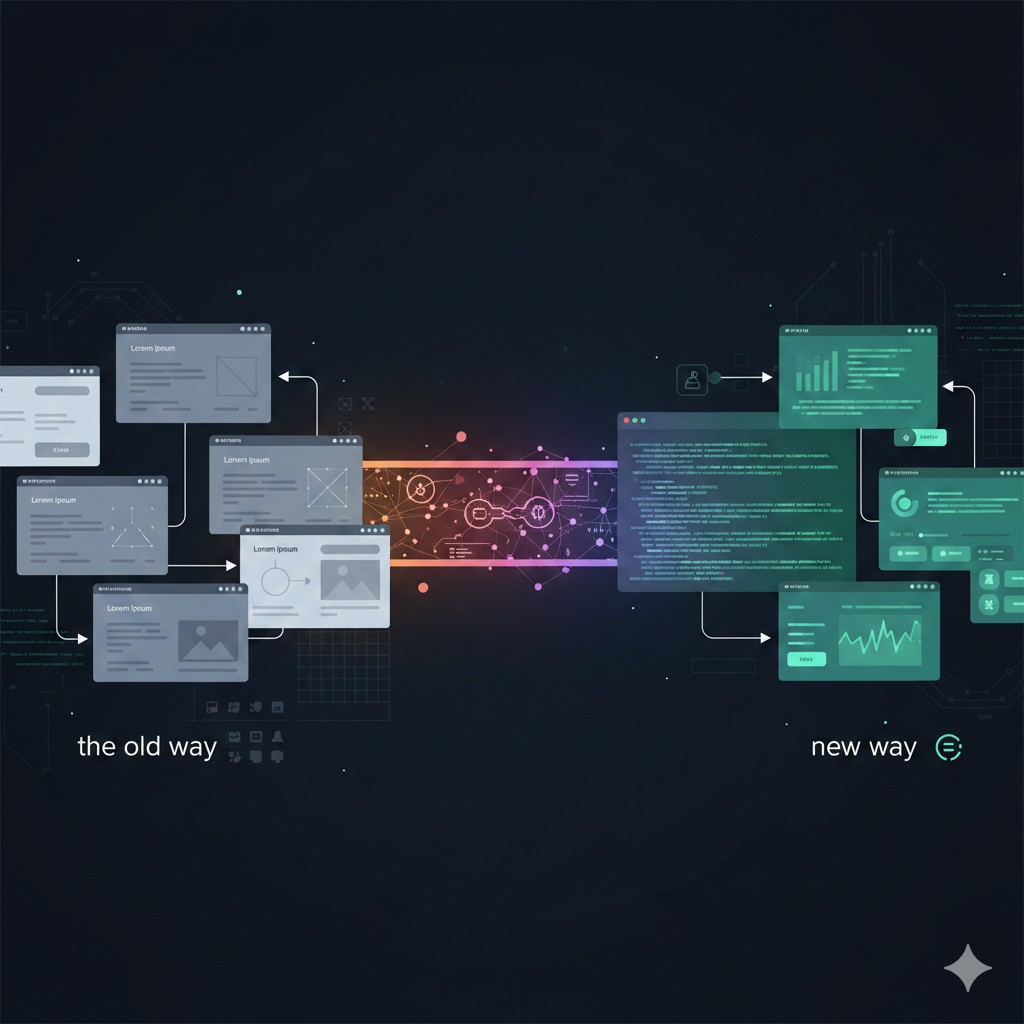
For years, product design meant creating static mockups in Figma. You’d design screens, link them together with hotspots, show stakeholders pretty pictures, and hope the developer understood what you meant. The mockup looked like the product, but it didn’t behave like it. It was a picture, not a prototype.
LLMs changed that. Now we can build functional prototypes—actual working code that handles real data, maintains state, and behaves like the real product. This isn’t just faster prototyping. It’s a fundamental shift in what a prototype is.
The “death of Figma” isn’t about the tool dying—it’s about static mockups becoming obsolete. When you can build a working prototype in the time it takes to create a mockup, why would you create a mockup?
The Old Way: Static Mockups
Traditional design tools like Figma, Sketch, and Photoshop were essentially sophisticated drawing programs. You could create beautiful layouts, but they were just pictures. Here’s what that meant:
No Real Interactivity
Mockups had “interactivity” through hotspots—click here to go to that screen. But it was just linking static images. No state, no logic, no real behavior.
Fake Data
Everything was “Lorem Ipsum” or placeholder text. You couldn’t see how real data would look, how long names would break layouts, or how empty states would feel.
Lost in Translation
The designer created a vision. The developer interpreted it. Each handoff lost nuance. What you designed wasn’t what got built.
Slow Iteration
Every change meant redrawing screens, updating mockups, getting approval again. Weeks between iterations. Months before you knew if the concept worked.
The New Way: Functional Prototypes
LLM-powered tools like Bolt.new, v0.dev, and Claude Artifacts let you build actual working prototypes. Not mockups—real code that runs, handles data, and behaves like the product.
Real Interactivity
Prototypes handle state, respond to user input, and behave like real software. You can click buttons, fill forms, see data update—not just navigate between static screens.
Real Data
Prototypes can connect to APIs, use real data, show how long names break layouts, handle empty states. You see how it actually works, not how it looks in a perfect mockup.
No Translation Loss
The prototype is the specification. What you show stakeholders is what gets built. No interpretation, no lost nuance, no surprises.
Fast Iteration
Change something? Update the code, refresh, see it immediately. Hours between iterations, not weeks. Test ideas quickly, discard what doesn’t work, iterate toward what does.
Mockup vs. Prototype: The Difference
| Feature | Static Mockup | Functional Prototype |
|---|---|---|
| What it is | Static images linked together | Working code that runs |
| Interactivity | Click-through hotspots | Real state and logic |
| Data | Placeholder text | Real API data |
| Testing | Visual preference | Actual usability |
| Time to create | Days or weeks | Hours |
| Handoff | Specs and assets | Working code reference |
Figma’s Response: From Canvas to Platform
Figma isn’t sitting still. At Config 2025, they launched Figma Make, Sites, Buzz, and Synapse—tools that integrate AI directly into the design workflow. The strategy is clear: if you can’t beat AI prototyping tools, integrate them.
Figma Make lets designers describe interfaces in natural language and get interactive prototypes that use their existing design system. This is smart: instead of generating generic code, it leverages the component libraries, design tokens, and style guides teams have already built in Figma.
Figma Make
Prompt-to-prototype generation using your design system
Figma Sites
Publish designs directly to live websites
Synapse
Real-time analytics overlay showing conversion impact as you design
Figma Buzz
AI-generated content that matches your brand guidelines
The key advantage: Figma has your design system. When you use Make, the AI generates code that matches your brand, uses your components, follows your patterns. Standalone tools like v0 or Bolt generate generic code that you then have to style manually.
The Competitive Landscape
While Figma integrates AI into design workflows, standalone tools focus on different use cases:
v0.dev
Generates Shadcn/UI and Tailwind code directly. Great for developers who want production-ready component code fast.
Bolt.new
Spins up entire web environments in the browser. Full-stack prototyping without setup.
Lovable
Bi-directional GitHub sync. Generate UI, refine logic in your IDE, changes sync back. The “Frankenstein workflow”.
Cursor
IDE with deep AI integration. Can connect to Figma via MCP to bridge design files and codebase.
The competition isn’t about which tool is better—it’s about which workflow fits your team. Figma works if you’re already invested in their ecosystem. Standalone tools work if you want to move fast and don’t need brand alignment.
The Death of the Design Handoff
One of the biggest changes: the traditional “design handoff” is becoming obsolete. For years, this was the point of maximum friction. A designer would export assets, write specs, hand over mockups, and hope the developer understood the vision.
With functional prototypes, there’s no handoff—there’s collaboration. The prototype is the specification. Designers and developers work from the same codebase, iterate together, and focus on high-level problems instead of pixel spacing.
Old Workflow
1. Designer creates mockups in Figma
2. Designer exports assets and writes specs
3. Designer hands off to developer
4. Developer interprets mockups into code
5. Designer reviews built product, finds discrepancies
6. Back-and-forth to fix interpretation issues
New Workflow
1. Designer creates functional prototype with AI
2. Designer and developer review prototype together
3. Developer refines prototype into production code
4. Both work from same codebase, same understanding
The Designer’s New Role: Agent Orchestrator
This shift changes what it means to be a designer. The era of the “pixel-pusher” is ending. Designers now need to be “agent orchestrators”—people who define constraints, boundaries, and logic rules for AI to operate within.
This doesn’t mean designers need to become engineers. But they do need technical literacy. You can’t orchestrate AI agents if you don’t understand what they’re producing.
Old Designer Skills
- •Vector manipulation
- •Creating mockups
- •Writing specs
- •Asset export
New Designer Skills
- •Prompt engineering
- •Technical literacy
- •System logic understanding
- •Agent orchestration
The best designers we know are learning to code—not to become engineers, but to understand the medium they’re designing for. When you understand how APIs work, how state flows, how performance constraints affect design, you can make better decisions.
The Risks: Homogenization and the Illusion of Completeness
This shift isn’t all positive. There are real risks:
Design Homogenization
AI tends toward “safe” patterns. Generic card layouts, predictable color palettes, the “AI-generated look.” Brand differentiation suffers when everyone uses the same tools.
The Illusion of Completeness
AI-generated code looks polished but often lacks proper architecture, error handling, accessibility. Early Figma Sites beta produced 200+ WCAG violations. Looks done, isn’t done.
The Happy Path Bias
AI focuses on ideal flows. It ignores loading states, error handling, empty states, edge cases. You have to add those manually—and if you don’t know to, you ship broken experiences.
The solution: human-in-the-loop. AI handles routine work; humans validate, audit, and ensure quality. Designers check for accessibility, brand consistency, emotional resonance. Developers add error handling, edge cases, proper architecture.
What This Means for Product Teams
If you’re building products, here’s what you should know:
1Invest in Your Design System
AI tools learn from your existing structures. Clean up your variables, tokens, and component libraries. The better your system, the better AI output you’ll get.
2Build Functional Prototypes, Not Mockups
Stop testing static mockups. Build working prototypes with real data. You’ll discover logic errors early, validate concepts before production, and make better decisions.
3Bridge the Technical Gap
Designers need technical fluency. Developers need design understanding. Shared tools and shared language make collaboration effective.
4Keep Humans in the Loop
AI generates; humans validate. Check for accessibility, brand consistency, edge cases, error handling. AI is a tool, not a replacement.
Conclusion
The “death of Figma” isn’t about the tool dying. It’s about static mockups becoming obsolete. When you can build a working prototype in hours, why create a picture that doesn’t work?
This changes everything. Designers become orchestrators. Handoffs become collaboration. Prototypes become specifications. The entire product development lifecycle compresses—from weeks to hours, from mockups to code.
But the fundamentals remain: understand what you’re building, validate quality, keep humans in the loop. AI amplifies capability; it doesn’t replace judgment.
The future isn’t AI replacing designers or developers. It’s AI amplifying both, letting them focus on strategy and creativity while handling the mechanical work. The best teams will be those that learn to orchestrate AI effectively—not those that try to replace human expertise.
If you’re still creating static mockups and hoping developers understand your vision, try building a functional prototype instead. You might be surprised how much faster and more effective product development becomes when everyone can see, touch, and interact with the actual product—not just a picture of it.